The simple guard tour app for guards on shift
Scan checkpoints, log your shift, and report incidents with photos — all offline. No dashboards, no setup.

- 100% Offline
- Free to Use
- Works on Android
How Guard Tour Log works
- 1
Scan
Scan QR checkpoints on your patrol.
- 2
Log
Every scan and incident is time- and GPS-stamped.
- 3
Report
Export a PDF shift report in one tap.
Everything a guard needs on shift
QR checkpoint scanning
Fast and easy checkpoint scans.
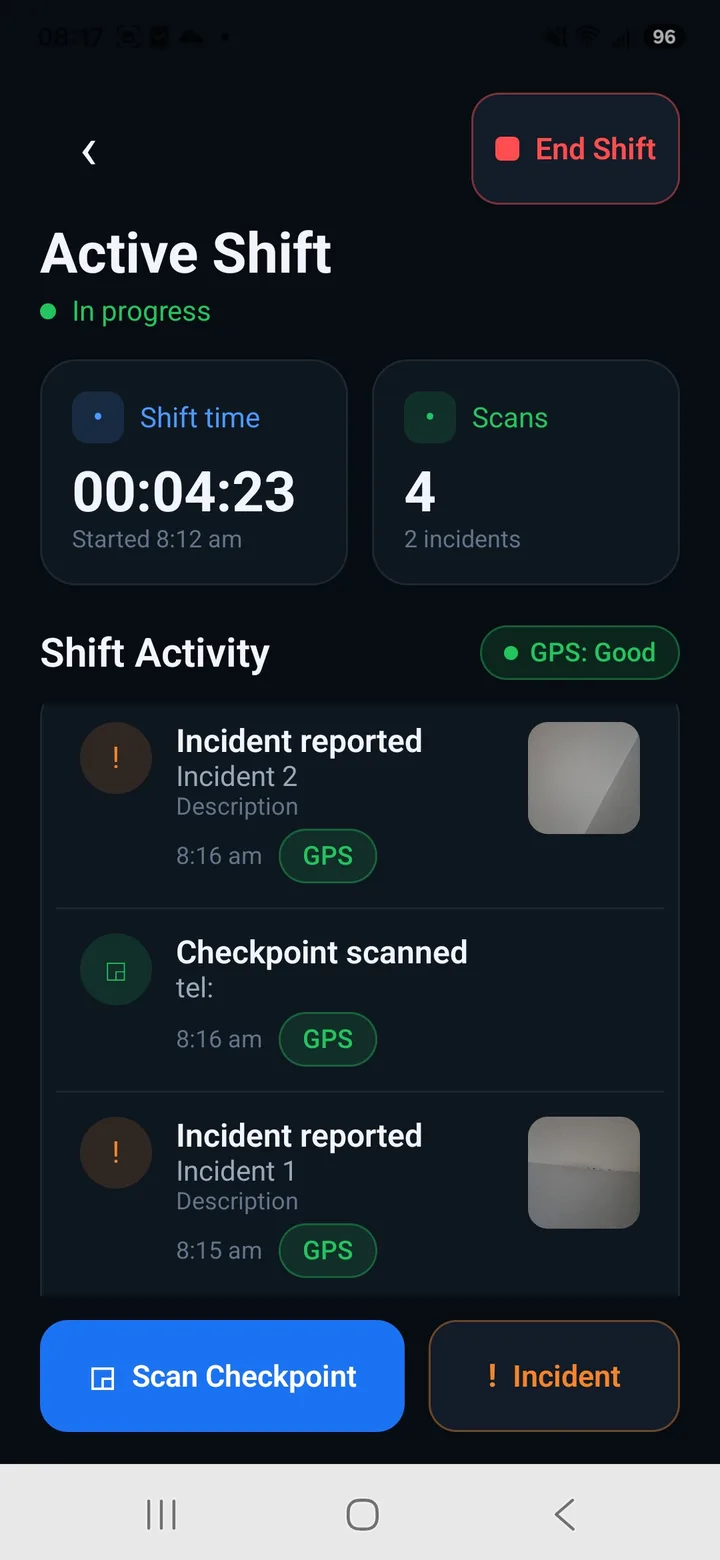
Shift / patrol log with timeline
See all your activity in chronological order.
Incident reports with photo
Add details and photos to every incident.
Automatic GPS + time stamps
Accurate records for every action.
One-tap PDF shift report
Professional reports in seconds.
Works 100% offline
No signal? No problem. Everything works.
Works fully offline
No signal in a basement or parking garage? Everything still works. Nothing is lost. Your data stays on your device.
A lighter way to run guard tours
| Guard Tour Log | Heavy platforms | |
|---|---|---|
| Setup | None — open and go | Accounts, dashboards, admin |
| Works offline | Yes | Often no |
| Built for | The guard on shift | Dispatchers / managers |
| Price | Free | Paid seats |
See it in action
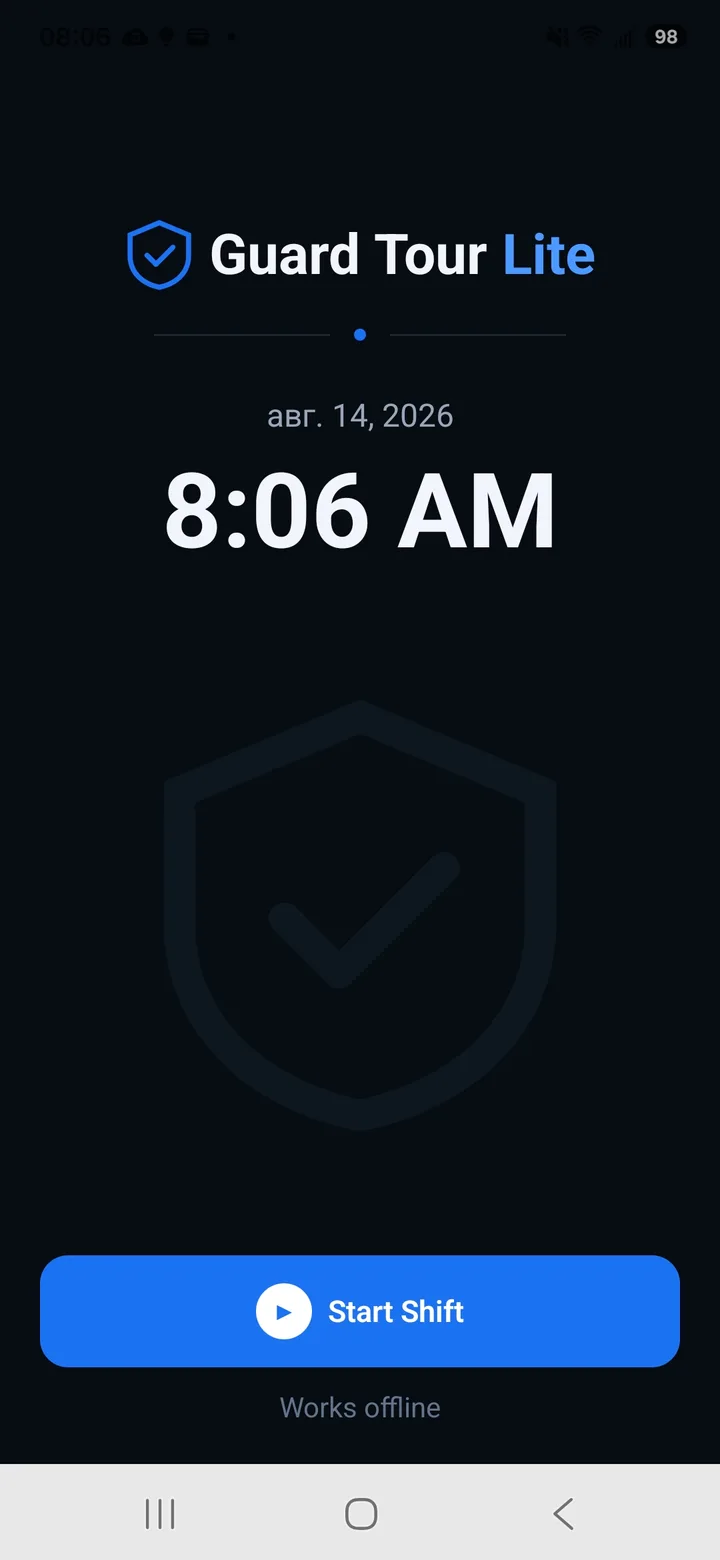
Start a shift
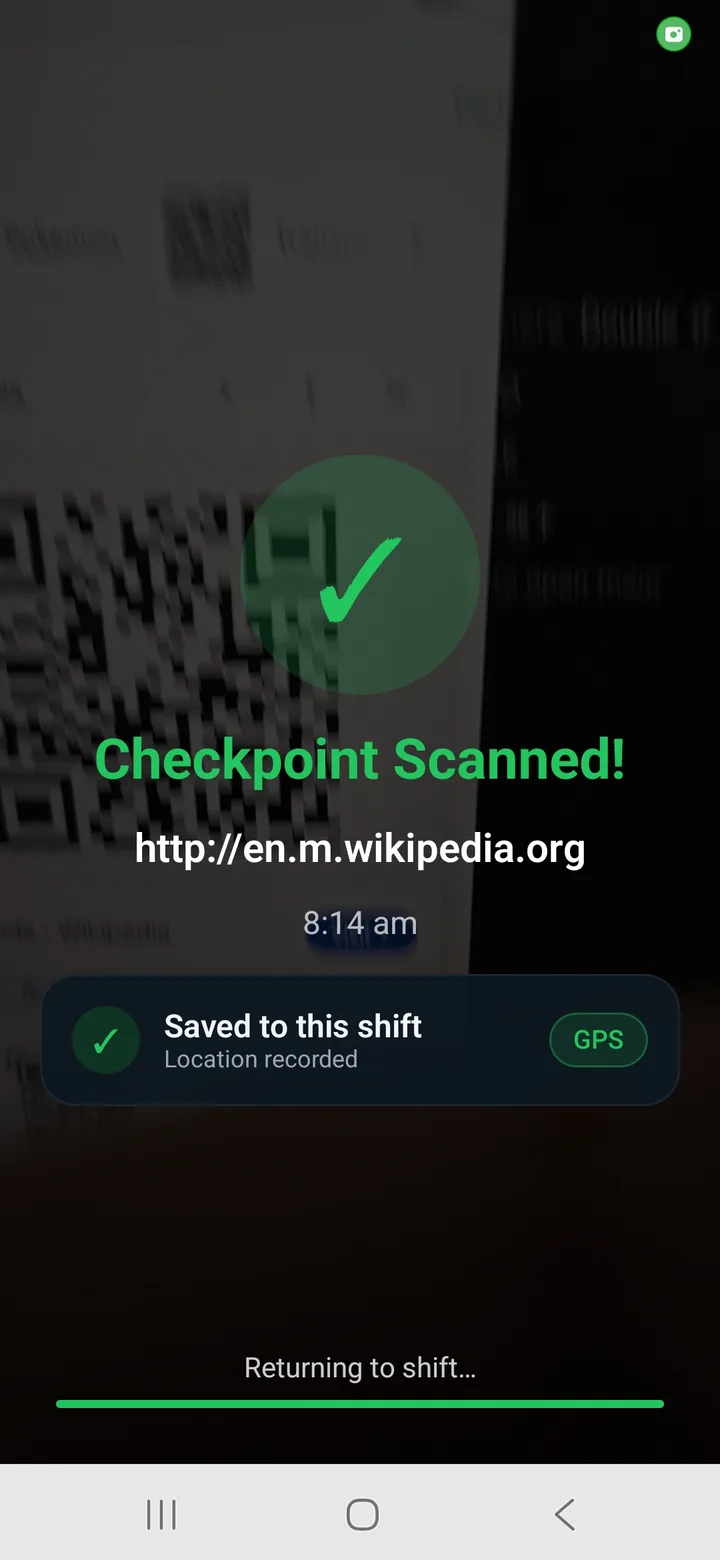
Scan checkpoints
Active shift
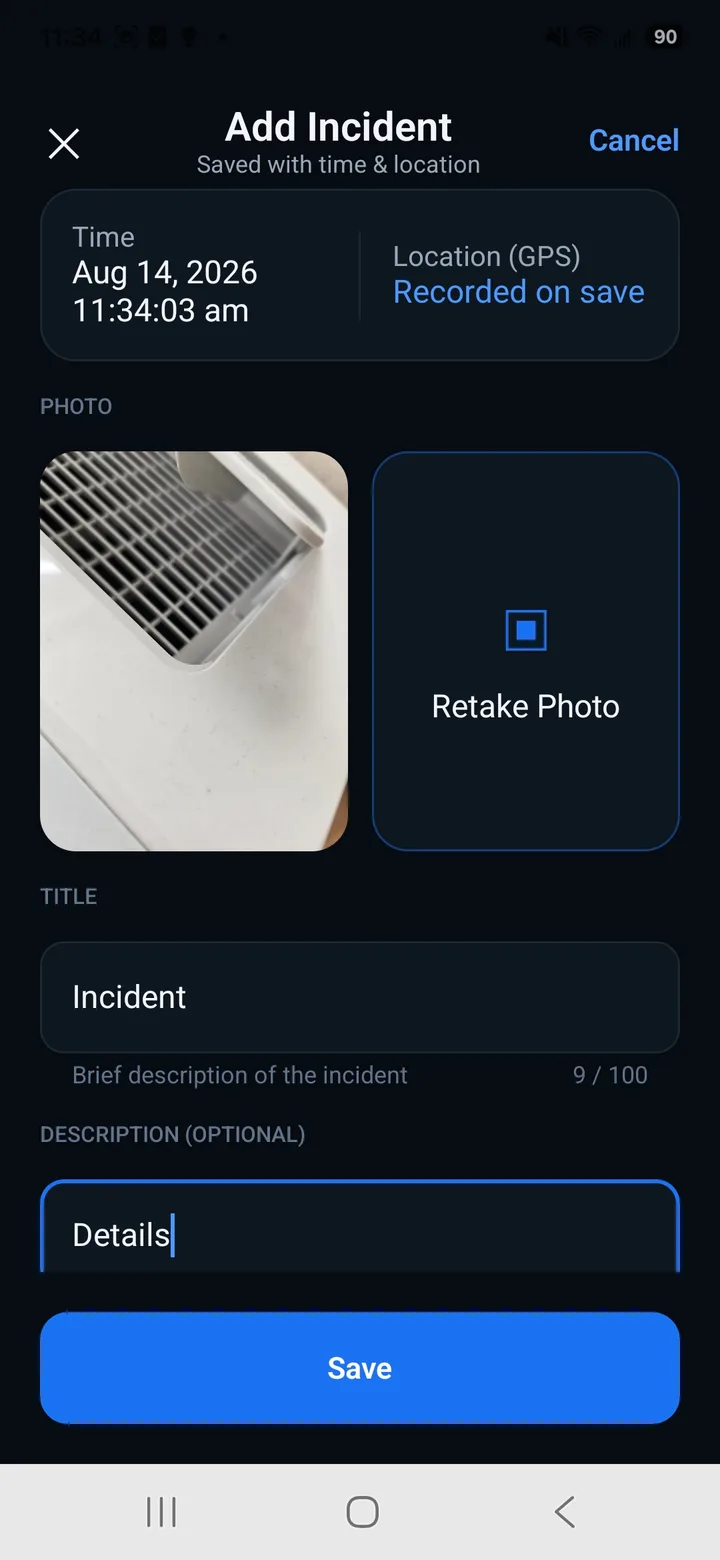
Report incidents
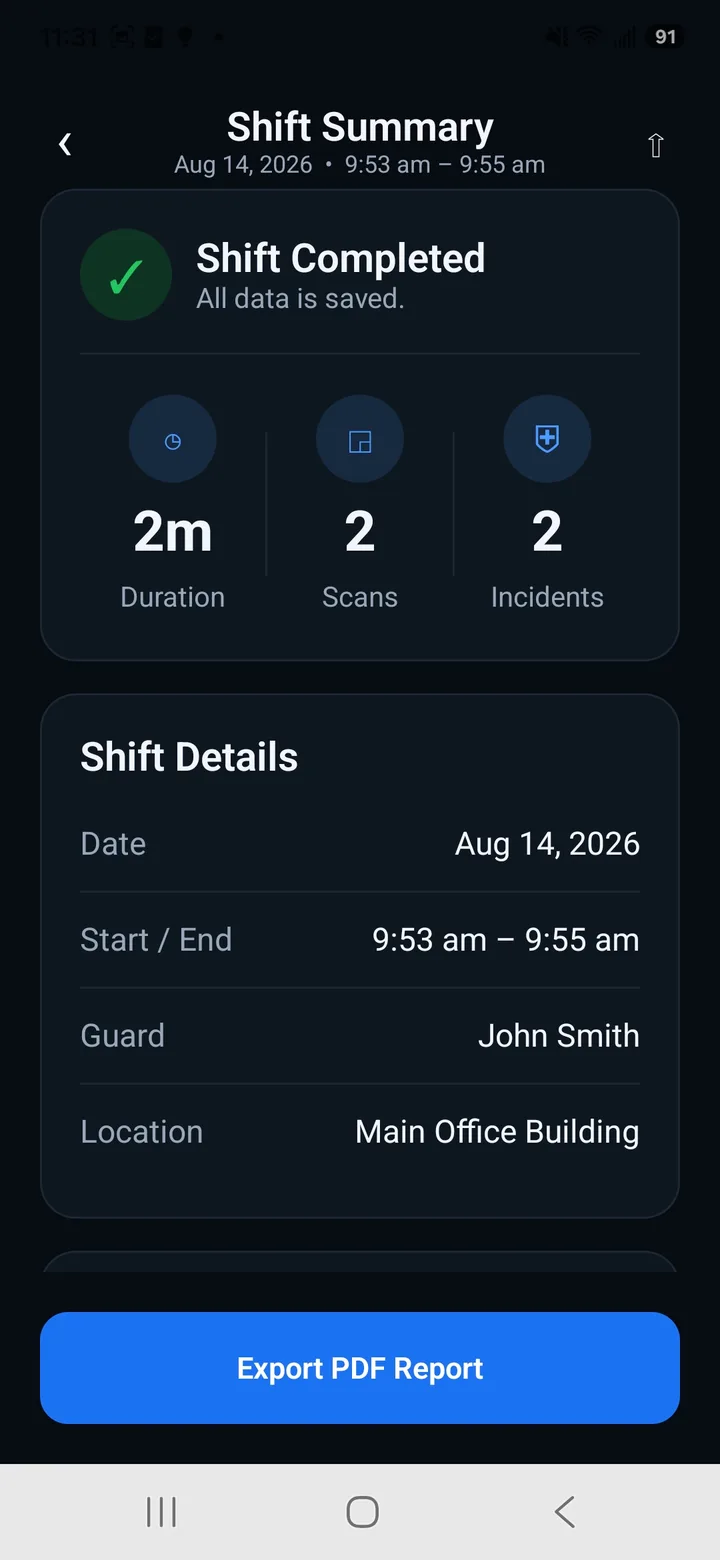
Shift summary
Professional reports. Automatically.
Every patrol becomes a clean, client-ready report with checkpoints, incidents, photos, GPS and timestamps.
7 checkpoints · 2 incidents · 7h 59m on site
View Sample Report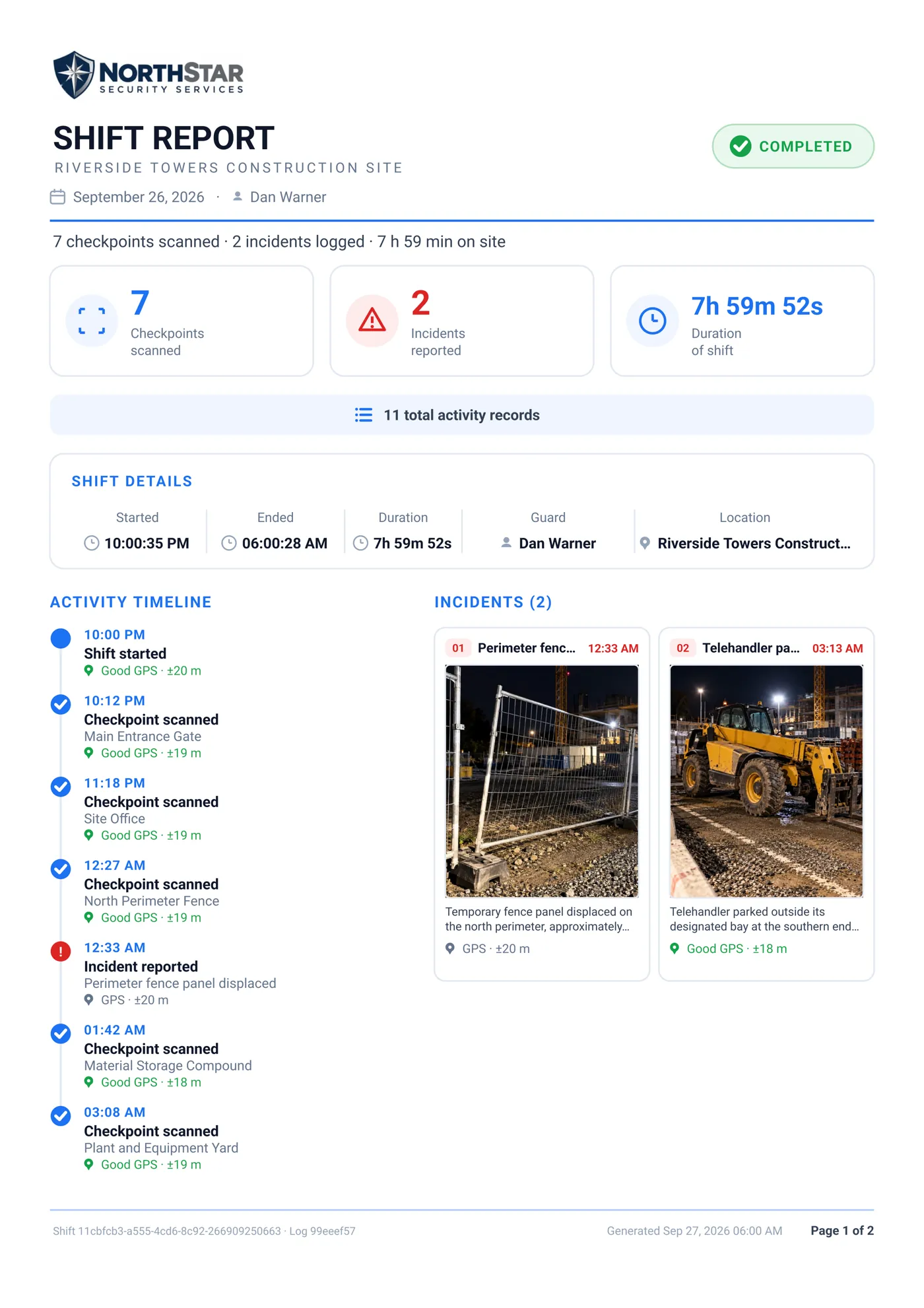
Frequently asked questions
What is a guard tour app?
A guard tour app records a security guard's patrol — scanning checkpoints, logging what happened and when, and reporting incidents. Guard Tour Log does all of that on the guard's phone, with no dashboard to set up.
Does Guard Tour Log work offline?
Yes. Scanning, logging, incidents and PDF reports all work with no connection. Your data stays on your device.
Do I need an account or internet?
No account and no sign-in. Just open the app and start your shift — no internet connection is required.
How do I export a patrol/incident report?
Open Shift Summary and tap Export PDF Report. You can then share it by email or messaging apps, or save it to your device.
Is it free?
Yes, Guard Tour Log is free to use.
Can I use it as a simple alternative to TrackTik / QR-Patrol?
Yes. If a full management platform is more than you need, Guard Tour Log covers checkpoint scanning, incident reports and PDF shift reports — offline, with no setup. It is an independent app and is not affiliated with those products.
Ready to simplify your guard tours?
Download Guard Tour Log and get started in seconds.