Free Security Guard Report Templates

Printable log book, daily activity report, incident report, and patrol checklist — free, no signup, no watermark.

Get the templates ↓
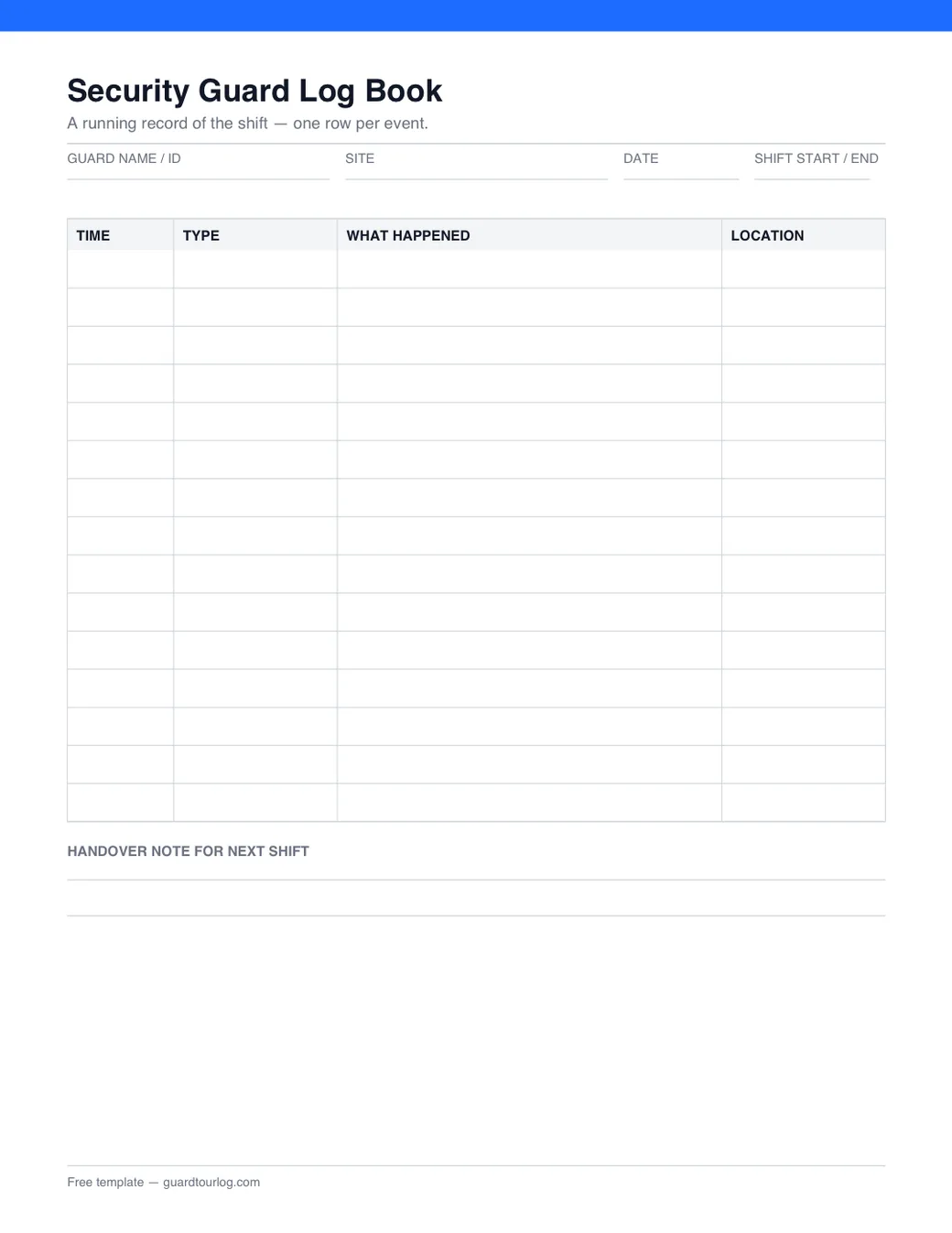
  • Preview of the printable security guard log book template: a timed table of shift events with a handover note

    Security Guard Log Book

    A running record of the shift — one row per event, with the time, what happened and where. Ends with a handover note for the next guard.
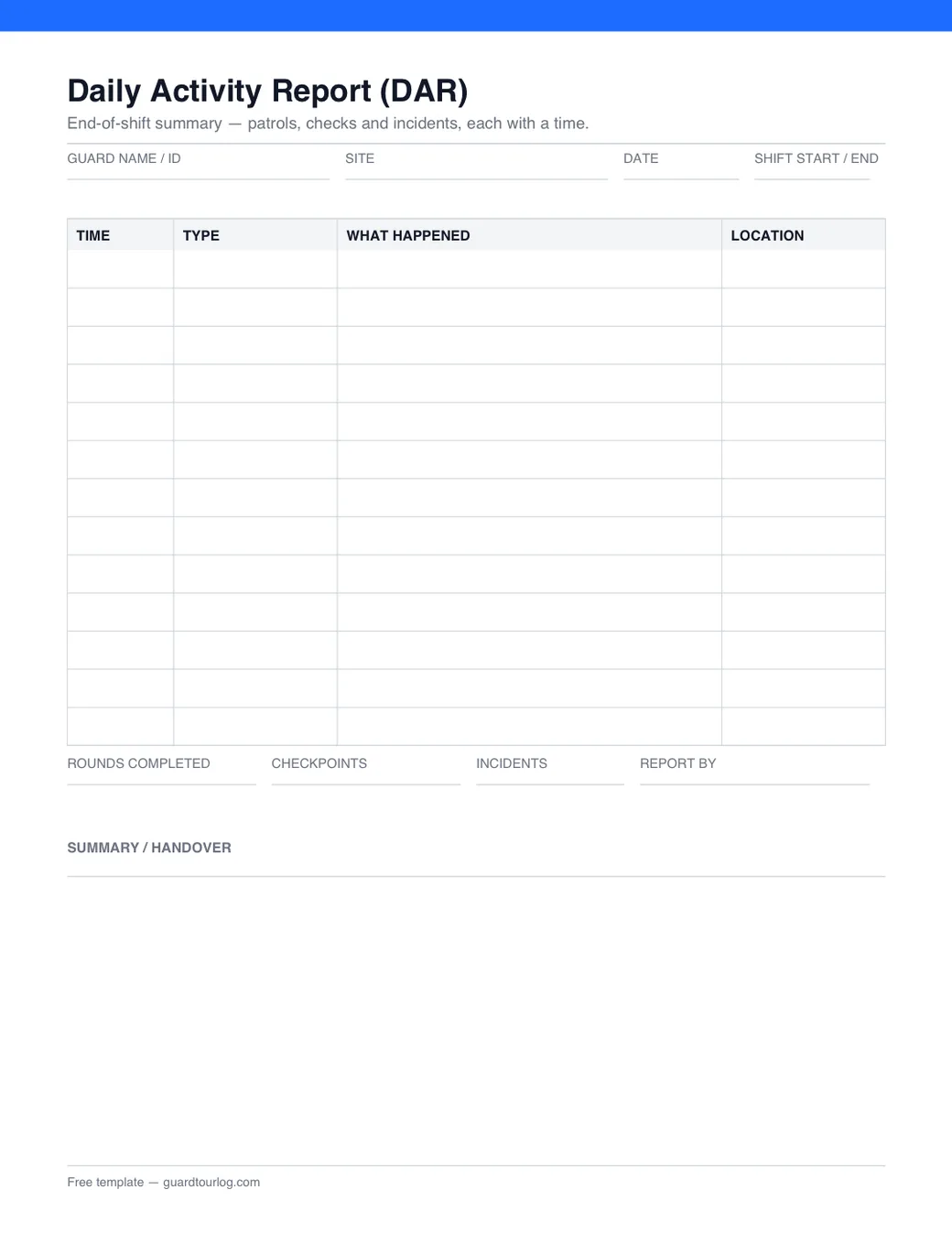
  • Preview of the printable daily activity report template: a timed table with totals for rounds, checkpoints and incidents

    Daily Activity Report (DAR)

    The end-of-shift summary you hand to a client or supervisor: the same timed rows, plus totals for rounds, checkpoints and incidents.
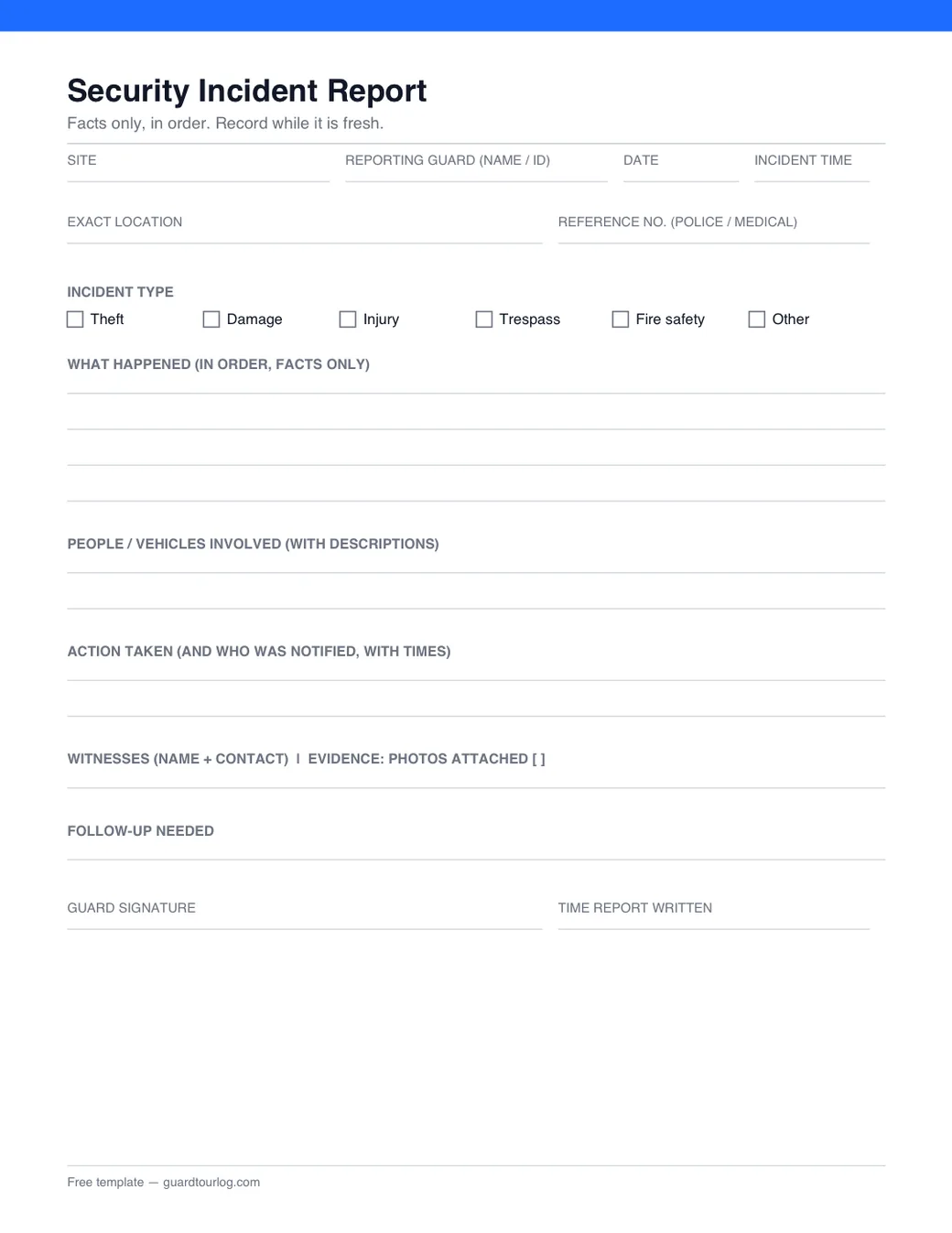
  • Preview of the printable security incident report template: fields for the time, location, account, action taken and witnesses

    Security Incident Report

    One event, recorded properly — time, exact location, what happened in order, the action taken, witnesses and evidence.
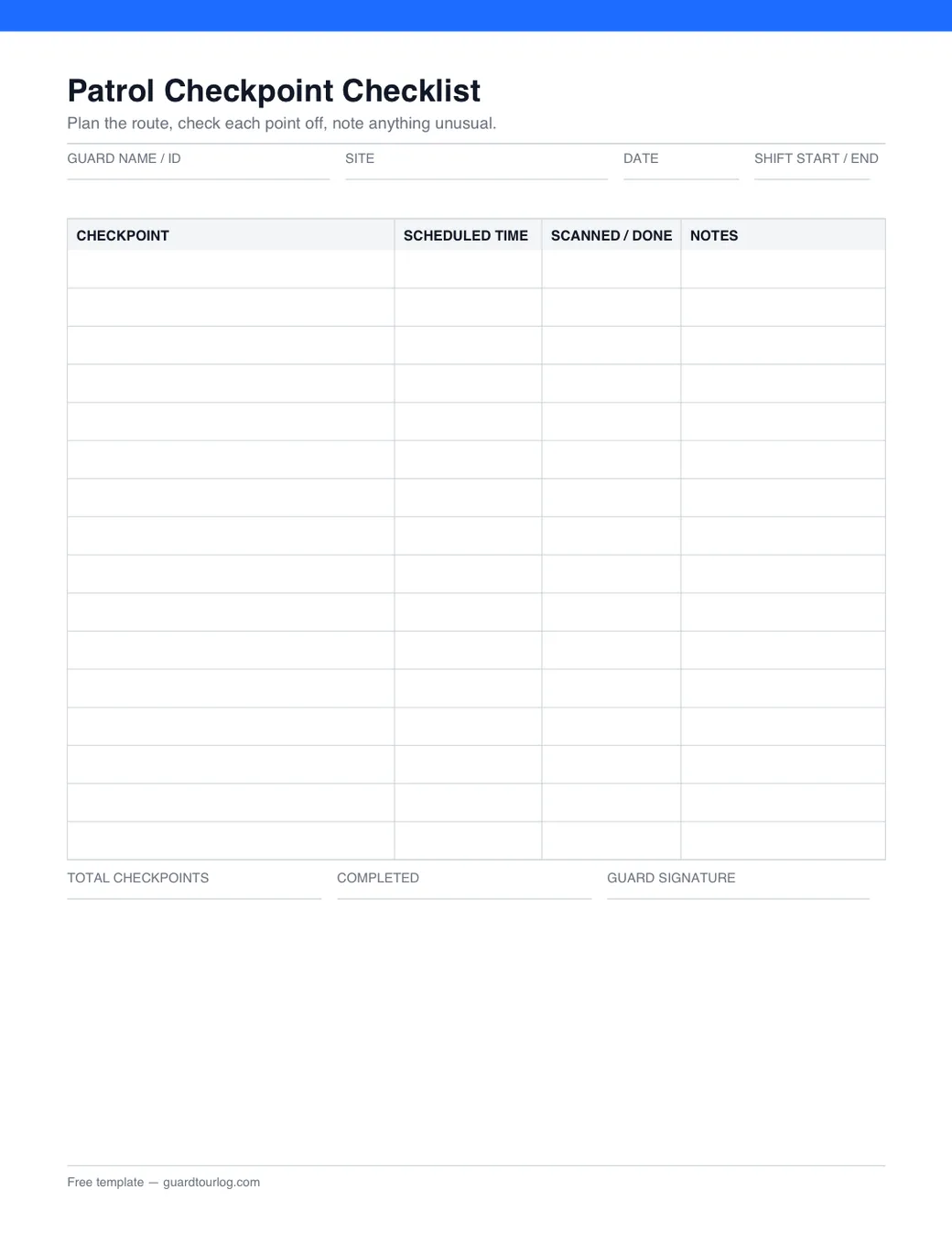
  • Preview of the printable patrol checkpoint checklist template: checkpoints with scheduled times, a done column and notes

    Patrol Checkpoint Checklist

    Plan the route and tick each checkpoint off: scheduled time, scanned or done, and a notes column for anything unusual.
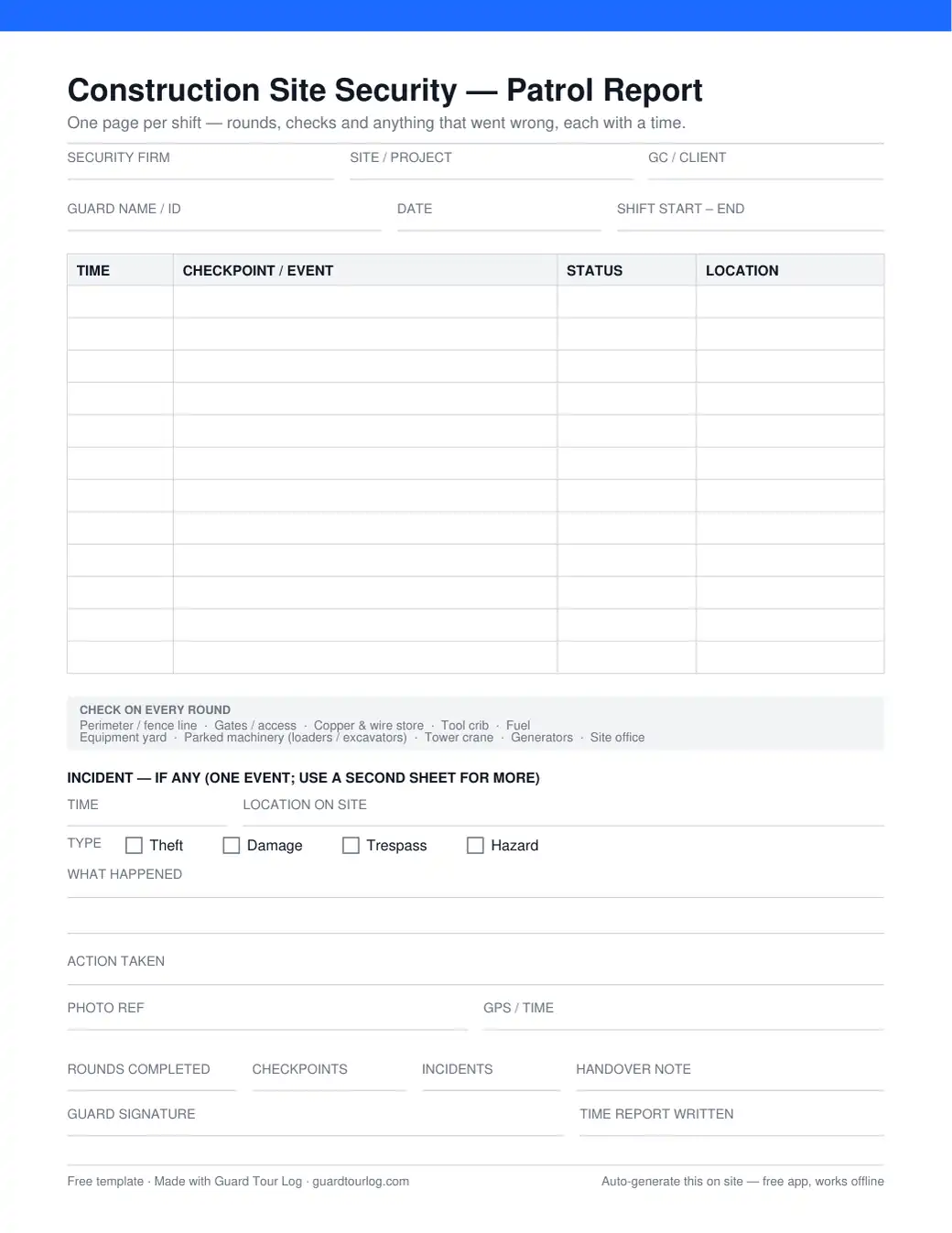
  • Preview of the printable construction site security patrol report: timed patrol rows, a construction checkpoint reminder and an incident block

    Construction Site Security — Patrol Report

    The shift sheet for a construction site: timed rounds, the checkpoints that actually get hit — copper store, tool crib, fuel, machinery — and one incident block for the night something happens.

Tired of filling these by hand?

Guard Tour Log does it for you — scan checkpoints, log the patrol, and the PDF report generates itself. Free, offline, no account.

Get Guard Tour Log on Google Play

How to use these

Each sheet is one page and fills in by hand on shift. What follows is the short version of the guide behind it.

Security Guard Log Book

  • Fill the header once: guard name or ID, the site, the date and your shift start and end times.
  • Add a row as each thing happens — patrol rounds, checkpoint checks, visitors, contractors and deliveries, and anything that went wrong.
  • Keep entries specific. “Checked the building — all fine” is almost useless; “01:14 — scanned checkpoint at the loading dock, gate secure, no issues” is a record you can stand behind.
  • Close with the handover line so the next guard and the supervisor know where things stand without a phone call.

Read the full guide →

Daily Activity Report (DAR)

  • The log book is what you write during the shift; the DAR is the tidy summary you produce at the end, usually from that log.
  • Record the routine and the exceptions alike — patrols and checkpoints, access events, and any incident with the action taken.
  • Use exact times. “Around midnight” is not a record; “00:14” is. Stay factual and describe what you saw, not what you assumed.
  • Finish with the totals and a short handover note, and keep the format identical shift to shift so the report is easy to trust.

Read the full guide →

Security Incident Report

  • Use this for a specific event, separately from the daily activity report that covers the whole shift.
  • Record the date, time and exact location first, then what happened in order and in facts only — not what you assume happened or who you think is to blame.
  • Note the action taken and who was notified, with times, then witnesses, any reference number, and whether photos are attached.
  • Write it while the details are fresh. Incidents are exactly the entries that get scrutinised later, by a supervisor, a client, an insurer or a court.

Read the full guide →

Patrol Checkpoint Checklist

  • List the checkpoints in the order you walk them — entrances, stairwells, loading docks and the remote corners that are easy to skip.
  • Give each one a scheduled time, then mark it off as you reach it. The time is the part that proves the round happened.
  • Use the notes column for anything that does not fit a tick: a door left unlocked, a light out, a vehicle that should not be there.
  • Vary the order between shifts. A patrol walked identically every night is an easy one to avoid.

Read the full guide →

Construction Site Security — Patrol Report

  • Fill the header once: the security firm, the site or project, the general contractor or client, your name, the date and your shift times.
  • Add a row as you walk each round — the time, the checkpoint or what you found, whether it was secure, and where on site it was.
  • The strip under the table is the reminder of what a construction site loses: the perimeter and gates, the copper and wire store, the tool crib, fuel, the equipment yard, parked machinery, the tower crane, generators and the site office.
  • If something happens, use the incident block — time, location, type, what happened and what you did — and note the photo reference. Finish with the totals, the handover note and your signature.

Read the full guide →

Frequently asked questions

Are these templates free?

Yes. Every one of them is free to download and print, with no signup and no watermark, and there is no limit on how often you use them.

Can I edit them?

The PDFs are print-ready and meant to be filled in by hand on shift. Editable Word and Excel versions are on the way — ask through the support page and we will send them over.

Do I have to sign up?

No. Every download here is a direct link to the PDF — no email address, no account, nothing to dismiss first.

Is there an app that fills these automatically?

Yes. Guard Tour Log logs the patrol as it happens — scan a checkpoint and the time and place are recorded for you — then exports the finished PDF report at the end of the shift. It is free, works offline and needs no account.