Security Incident Report: Free Template + How to Write One
A free security incident report template, a filled example, and how to write a clear, factual report that holds up — plus a faster way to file incidents with photos.
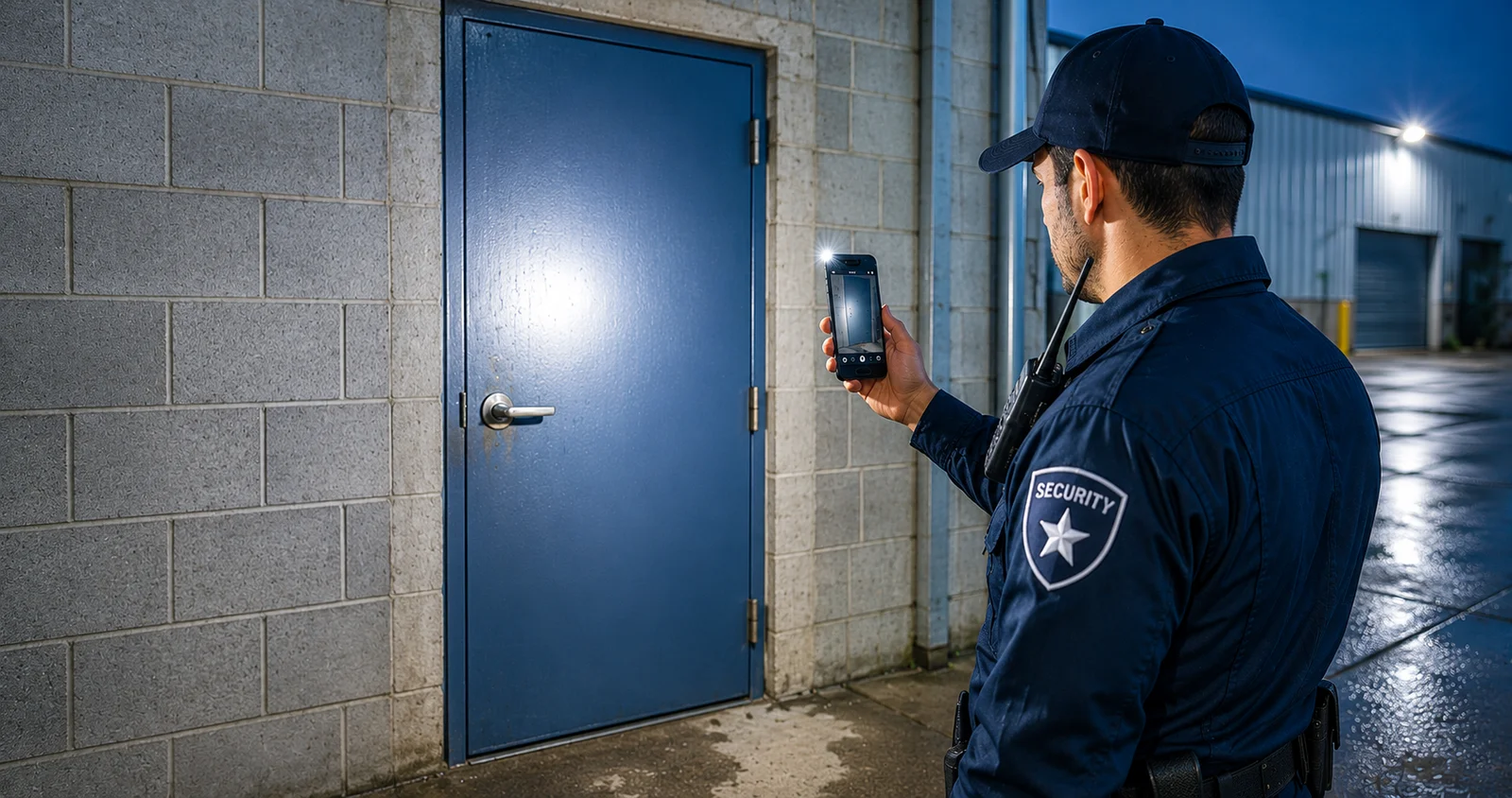
When something goes wrong on a shift — a break-in, an injury, a hazard, a confrontation — the security incident report is what turns "something happened" into a record someone can act on. Written well, it protects the guard, the client, and the company. Written badly, it creates more problems than the incident itself.
This guide gives you a free security incident report template, two filled-in examples, the incident types to know, and a simple method for writing one that holds up.
What is a security incident report?
A security incident report is a factual, written account of a specific event during a shift — separate from the routine daily activity report that covers the whole day. It captures what happened, when and where, who was involved, and what the guard did about it.
It matters because incidents are exactly the entries that get scrutinised later — by a supervisor, a client, an insurer, or a court. A clear report answers questions before they're asked. A vague one invites doubt.
Types of security incidents
Most shift incidents fall into a handful of categories. Naming the type first makes the report faster to write and easier to sort later:
- Theft — missing or stolen property, break-ins.
- Property damage — broken windows, vandalism, damaged equipment.
- Injury / medical — a slip, fall, or medical event involving staff, a visitor, or the guard.
- Trespass / unauthorised access — someone on site who shouldn't be, tailgating, a forced door.
- Fire or safety hazard — smoke, a blocked exit, a tampered extinguisher, a spill.
- Disturbance / altercation — a confrontation, a disorderly person, a dispute.
- Suspicious activity — loitering, a vehicle circling, something that doesn't fit.
Whatever the type, a good report answers the same core questions below.
What to include in a security incident report
Every solid incident report answers the same core questions:
- Date, time and exact location of the incident
- Reporting guard — name/ID and site
- Who was involved — people, vehicles, descriptions
- What happened — a plain, chronological account
- What action was taken — what the guard did, who was notified, and when
- Witnesses — names and contact details if available
- Evidence — photos, and any reference numbers (police, medical)
- Follow-up — anything still outstanding (a repair, a report to management)
Security incident report template
Copy this structure — it works for almost any incident:
SECURITY INCIDENT REPORT

Site: ____________________     Date: ______________

Reporting guard (name / ID): ________________________

Incident time: __________     Exact location: __________________

Incident type: (theft / damage / injury / trespass / fire safety / other)

What happened (in order, facts only):

___________________________________________

___________________________________________

People / vehicles involved (with descriptions):

___________________________________________

Action taken (and who was notified, with times):

___________________________________________

Witnesses (name + contact):

___________________________________________

Evidence: photos attached ☐   reference no.: __________

Follow-up needed:

___________________________________________

Guard signature: ______________   Time report written: __________
That form is also a free printable incident report template — worth keeping a few in the folder, because the one time you need it you will not want to be drawing boxes.
A filled example — property damage
- Site: North Office Building · Date: 14 Aug 2026
- Reporting guard: J. Smith (#412)
- Incident time: 02:15 · Location: Warehouse B, north door
- Type: Damage
- What happened: During the 02:00 patrol I found the north door window of Warehouse B broken from the outside. No one was on site. Nothing appeared to be missing. Door remained secured.
- Action taken: Photographed the damage at 02:16. Notified supervisor by phone at 02:20. Secured the area and continued monitoring.
- Witnesses: None.
- Evidence: 2 photos attached.
- Follow-up: Window awaiting repair; noted in handover.
A second example — trespass
- Site: Riverside Depot · Date: 3 Sep 2026
- Reporting guard: M. Lee (#207)
- Incident time: 23:40 · Location: East gate
- Type: Trespass / unauthorised access
- What happened: At 23:40 I saw one person climb the east perimeter fence into the yard. I identified myself and asked them to leave. They left the same way immediately. A follow-up check found no damage or missing property.
- Action taken: Called supervisor at 23:42. Recorded a description (male, dark hoodie, approx 1.8 m). Increased checks on the east side for the rest of the shift.
- Witnesses: None.
- Evidence: 1 photo of the fence line.
- Follow-up: Supervisor to review camera footage; noted in handover.
How to write a security incident report
The report is only as good as the writing. A few rules make the difference:
- Stick to facts. Write what you saw, heard and did — not what you assume happened or who you think is to blame.
- Use exact times. "02:15", not "around 2." Timing is often the whole point.
- Write it in order. A clear timeline is easy to follow and hard to argue with.
- Be specific. Descriptions, locations, and actions — the more precise, the more credible.
- Do it now, not later. Details fade fast; write while it's fresh.
- Add photos. One clear photo settles questions a paragraph can't.
- Keep opinions out. If a conclusion is needed, label it as your assessment, separately.
Good report writing is a real security-guard skill — and it's mostly discipline, not talent.
Common mistakes to avoid
- Vague language ("some damage", "a person") instead of specifics
- Filling it in hours later from memory
- Mixing facts with guesses about intent or blame
- No time, no location, or no action-taken section
- No photo when one was obviously possible
The faster way — report incidents on the spot
The best incident report is the one written at the incident, with a photo, while everything is clear. That's hard to do on paper in the dark.
Guard Tour Log makes it a few taps: open an incident, take a photo, add a short description — and the time and GPS location are recorded automatically. At the end of the shift it all exports into a clean PDF report alongside your patrol log. It's free, works fully offline, and needs no account.
For the running record those incidents sit inside, see our guide to the security guard log book.
Frequently asked questions
What is a security incident report? A factual written account of a specific event on a shift — what happened, when and where, who was involved, and what the guard did about it. It's separate from the daily activity report, which summarises the whole shift.
How do you write a security incident report? Record the exact date, time and location; describe what happened in order and in facts only; note the action taken and who was notified; add witnesses and photos; and flag any follow-up. Write it while the details are fresh.
What should a security incident report include? Site and guard details, incident time and exact location, a factual account, people/vehicles involved, action taken (with times), witnesses, evidence/photos, and follow-up.
What are the main types of security incidents? Common types are theft, property damage, injury or medical events, trespass or unauthorised access, fire and safety hazards, disturbances or altercations, and suspicious activity. Naming the type at the top of the report makes it faster to write and easier to sort.
Can I file an incident report from my phone? Yes. Guard Tour Log lets you report an incident with a photo on the spot — time and GPS are stamped automatically — and export it as a PDF at the end of the shift, fully offline.
File incidents the moment they happen. Guard Tour Log is free on Google Play — photo, time, and GPS captured automatically, exported as a PDF report, fully offline.