Security Guard Log Book: What to Include (and a Simpler Way to Keep One)
What a security guard log book is, exactly what to include, and a free checklist — plus a simple, offline way to keep one on your phone and export a PDF.
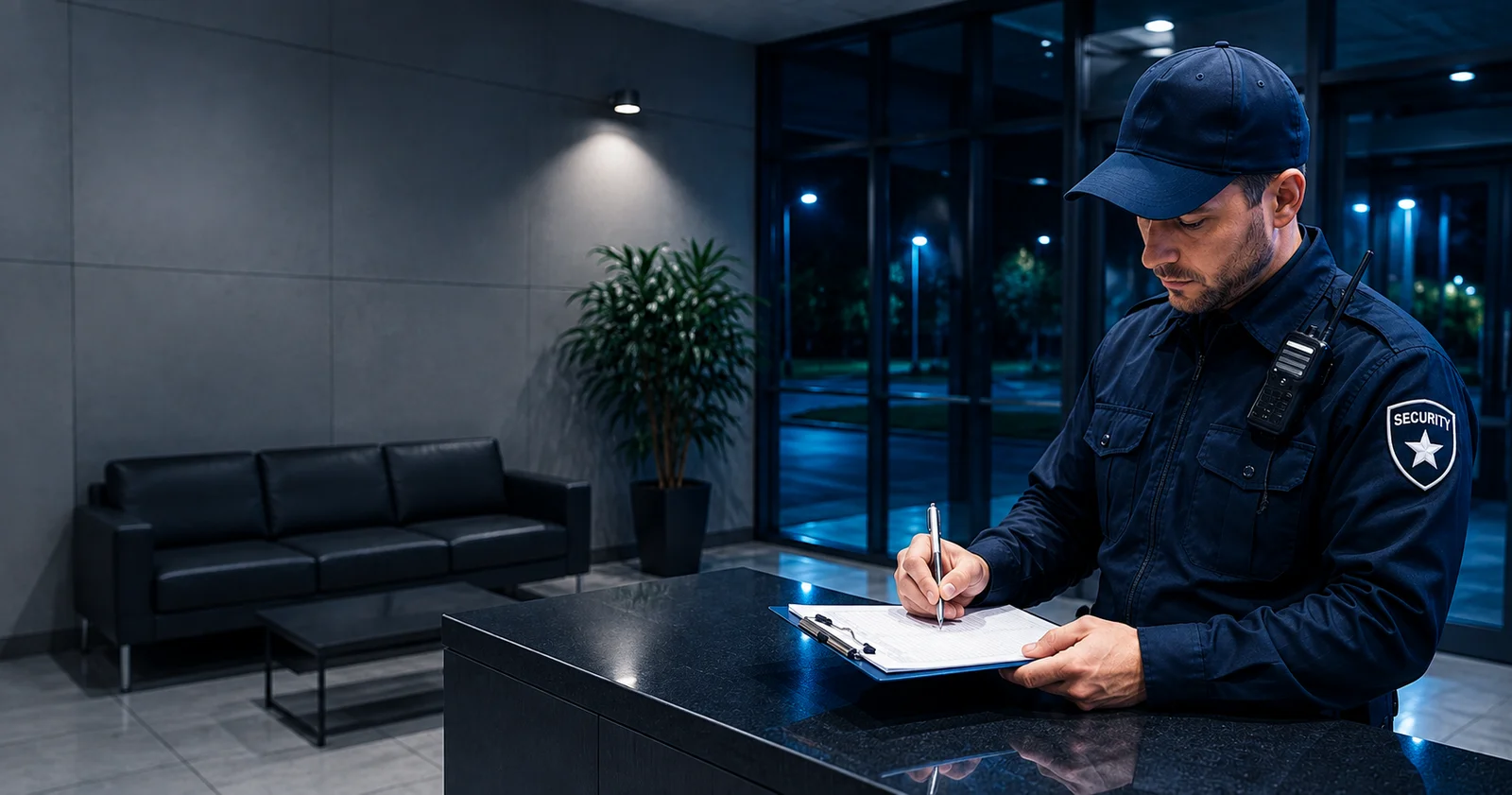
A security guard log book is the running record of what happened on a shift — who was on duty, when they patrolled, what they saw, and anything that went wrong. It's the boring-sounding thing that suddenly matters a lot the day a client asks "can you prove your guard was here at 2 a.m.?"
This guide covers what a security guard log book is, exactly what to put in one, a simple checklist you can copy, and how to keep it without the headache of paper.
What is a security guard log book?
A security guard log book is a chronological record of a guard's shift. Every meaningful event gets an entry with a time: patrol rounds, checkpoint checks, visitors, deliveries, incidents, and the start and end of the shift.
Two reasons it exists:
- Proof. It shows the site was actually patrolled and that the guard did their job — useful for the employer, the client, and, if something goes to court, for everyone.
- Handover. The next guard (and the supervisor) can see what happened without a phone call.
A good log book is accurate, in order, and hard to argue with. A bad one is a half-filled paper pad nobody can read.
What to include in a security guard log book
The details change by site, but almost every solid log entry answers the same questions: who, what, when, where. Here's a checklist you can copy:
- Guard name / ID and the site being covered
- Shift start and end times
- Patrol rounds — when each round started and which checkpoints were covered
- Checkpoint scans — each checkpoint reached, with the time
- Visitors, contractors and deliveries — who, when, and whether they were authorised
- Incidents — what happened, when, where, who was involved, and what you did about it
- Photos for anything that needs evidence (damage, a hazard, an intruder)
- Equipment and keys — anything handed over or found missing
- Notes / observations — small things that don't fit a category but matter later
- Handover note for the next shift
The single most common mistake is vague entries. "Checked the building — all fine" is almost useless. "01:14 — scanned checkpoint at the loading dock, gate secure, no issues" is a record you can stand behind.
A simple security guard log book template
You don't need anything fancy. A workable template is just a table with one row per event:
| Time | Type | What happened | Location |
|---|---|---|---|
| 20:00 | Shift start | On duty, site walk complete | Main entrance |
| 21:30 | Checkpoint | Scanned checkpoint, all secure | Loading dock |
| 22:15 | Incident | Broken window found, photo taken | Warehouse B |
| 04:00 | Shift end | Handover to day shift | Main entrance |
Add a header at the top (guard, site, date) and a short handover line at the bottom, and that's a complete log.
If you would rather not rule the columns yourself, that same sheet is a free printable log book template — one page, no signup.
Paper log book vs digital: which is better?
Paper works, but it has real problems: it's easy to fill in "later" (which means guessing at times), the handwriting is often unreadable, there's no proof of when it was written, and it can be lost or quietly rewritten.
A digital log book fixes most of that:
- Entries are time-stamped automatically, so nobody has to remember the exact minute.
- You can attach a photo to an incident in seconds.
- The record can't be "adjusted" after the fact without it showing.
- At the end of the shift you have a clean file instead of a coffee-stained pad.
The catch most people worry about: what if there's no signal? Fair — security work has a habit of happening in basements and parking garages. So the right digital log book has to work offline.
Turning your log book into a shareable report
Here's where a log book stops being a chore. If your entries are already digital and time-stamped, the shift report writes itself.
That's exactly what Guard Tour Log does — it's a free, offline app that keeps the log book for you: scan QR checkpoints (time and GPS recorded automatically), add incidents with photos, and at the end of the shift export the whole thing as a clean PDF you can hand to a client or supervisor. No accounts, no dashboards — just the log, done.
If you want the report side specifically, see our guide on the security guard daily activity report (DAR).
Frequently asked questions
What should a security guard write in a log book? Every meaningful event with a time: shift start and end, patrol rounds, checkpoint checks, visitors and deliveries, incidents (with photos), and a handover note. Keep entries specific — include the time, what happened, and where.
Is a digital security guard log book better than paper? For most guards, yes. A digital log time-stamps entries automatically, lets you attach photos, is harder to alter after the fact, and turns into a clean report at the end of the shift. The main requirement is that it works offline.
Do I need internet to keep a digital log book? Not with the right app. Guard Tour Log works 100% offline — scanning, logging and PDF reports all work with no connection, and your data stays on your device.
How long should a security guard log book be kept? It depends on your employer's and client's policy (and sometimes local regulations), but keeping records for the contract period plus a buffer is common. A digital copy makes storage and retrieval far easier than a shelf of paper pads.
Keep your log book without the paper. Guard Tour Log is free on Google Play — scan checkpoints, log incidents with photos, and export a PDF report, fully offline.