Security Guard Daily Activity Report (DAR): How to Write One (+ Template)
What a security guard daily activity report (DAR) is, what to include, how to write a clear one, and a free template — plus a way to auto-generate it as a PDF.
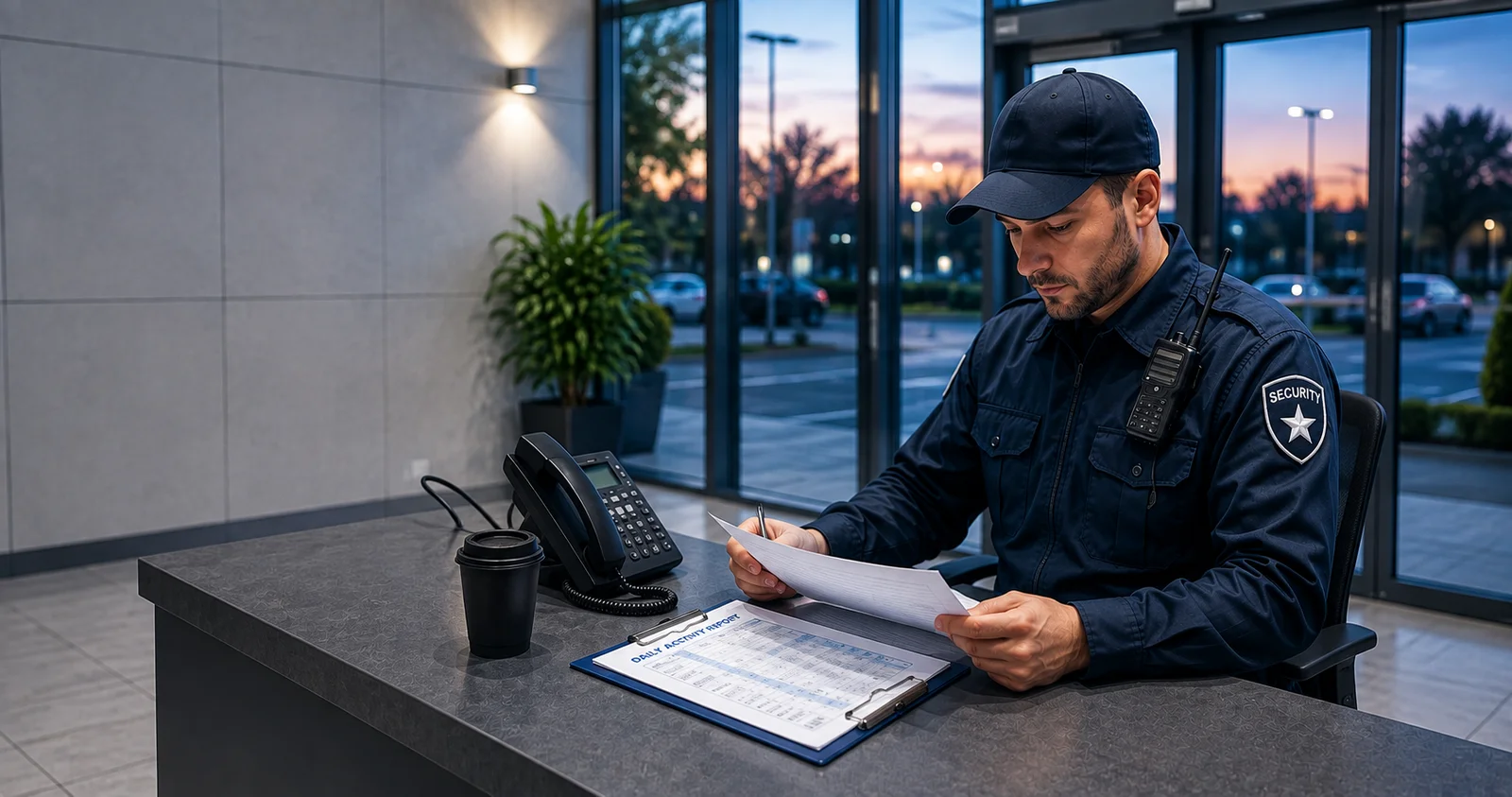
At the end of a shift, someone always asks the same question: what happened? The security guard daily activity report — the DAR — is the answer, written down. It's the summary a guard hands to their supervisor or client that says, in order, what was done and what was found.
This guide covers what a daily activity report is in security, what to include, how to write one that actually holds up, and a free template — plus the easy way to stop writing them by hand.
What is a security guard daily activity report (DAR)?
A daily activity report is a shift summary. It records the routine (patrols, checkpoint checks, who came and went) and the exceptions (incidents, hazards, anything unusual), each with a time.
It has two jobs:
- Show the work was done — that the site was patrolled, checkpoints were reached, and the guard was actually on duty.
- Give a clear handover — so the supervisor, the client, and the next shift know exactly what happened without a phone call.
A DAR is a professional record. When a client is deciding whether to renew a contract, a clean, consistent daily activity report is often what earns the trust.
DAR vs log book — what's the difference?
They're related but not the same:
- The log book is the running record during the shift — you add to it as things happen. (More on that in our guide to the security guard log book.)
- The daily activity report is the deliverable — the tidy summary produced at the end, usually from the log, and handed to the client or manager.
In practice, if your log is good, the DAR almost writes itself. If your log is a scribbled pad, the DAR becomes a painful end-of-shift memory test.
What to include in a daily activity report
A strong DAR answers who, what, when and where. A reliable checklist:
- Header — guard name/ID, site, date, and shift start/end times
- Patrols and checkpoints — each round and checkpoint reached, with times
- Access events — visitors, contractors, deliveries (who, when, authorised or not)
- Incidents — what happened, when, where, who was involved, and the action taken
- Photos — evidence for anything that needs it (damage, hazards, intruders)
- Equipment / keys — anything handed over, used, or missing
- Observations — small things worth noting for next time
- Summary line — totals (rounds completed, incidents) and a handover note
How to write a good daily activity report
The difference between a useful DAR and a useless one is almost always in these habits:
- Use exact times. "Around midnight" is not a record. "00:14" is.
- Be specific. "Everything fine" tells no one anything. "01:14 — scanned loading-dock checkpoint, gate secure, no issues" does.
- Stay factual and objective. Describe what you saw, not what you assumed. Save opinions for a separate note if needed.
- Log incidents as they happen, not from memory at 4 a.m. Details fade fast.
- Attach photos to anything that could be questioned later.
- Keep the format consistent shift to shift — it makes reports easy to read and easy to trust.
A simple daily activity report template
You don't need special software to start. A DAR is really a header plus a timed table plus a summary:
Header: Guard · Site · Date · Shift start–end
| Time | Type | What happened | Location |
|---|---|---|---|
| 20:00 | Shift start | On duty, opening walk complete | Main entrance |
| 21:30 | Checkpoint | Scanned, area secure | Loading dock |
| 22:15 | Incident | Broken window, photo taken, reported | Warehouse B |
| 04:00 | Shift end | Handover to day shift | Main entrance |
Summary: Rounds completed: 4 · Checkpoints: 12 · Incidents: 1 · Handover: broken window in Warehouse B awaiting repair.
The whole layout is available as a free printable DAR template if you want it ready to hand over at the end of a shift.
The easy way — auto-generate your DAR
Writing a DAR by hand at the end of a long shift is where accuracy goes to die. The fix is to log as you go, digitally, and let the report build itself.
Guard Tour Log does exactly that. Scan QR checkpoints (each one time- and GPS-stamped automatically), add incidents with photos during the shift, and when you're done, export the whole thing as a clean PDF daily activity report — ready to hand to a client or supervisor. It's free, works fully offline, and needs no account.
If you want the incident side in more detail, see our guide on the security incident report.
Frequently asked questions
What is a DAR in security? DAR stands for daily activity report — the end-of-shift summary a security guard produces, recording patrols, checkpoint checks, access events and incidents, each with a time. It shows the work was done and hands the site over cleanly to the next shift.
How do you write a security daily activity report? Log events with exact times as they happen, be specific and factual, attach photos to anything that matters, and finish with a short summary and handover note. Keeping the format consistent shift to shift makes the report easy to trust.
What's the difference between a DAR and a log book? The log book is the running record you add to during the shift; the DAR is the tidy summary you produce at the end, usually from the log, and hand to the client or manager.
Can I create a daily activity report automatically? Yes. If you log checkpoints and incidents in an app during the shift, it can generate the DAR for you. Guard Tour Log records each event with a timestamp and GPS and exports a PDF report in one tap — fully offline.
Stop writing DARs from memory. Guard Tour Log is free on Google Play — log your shift as it happens and export a PDF daily activity report, fully offline.