The Free Guard Tour App for a Single Guard
What to look for in a guard tour app, why solo guards don't need a full platform, and a free, offline app that scans checkpoints and exports PDF reports.
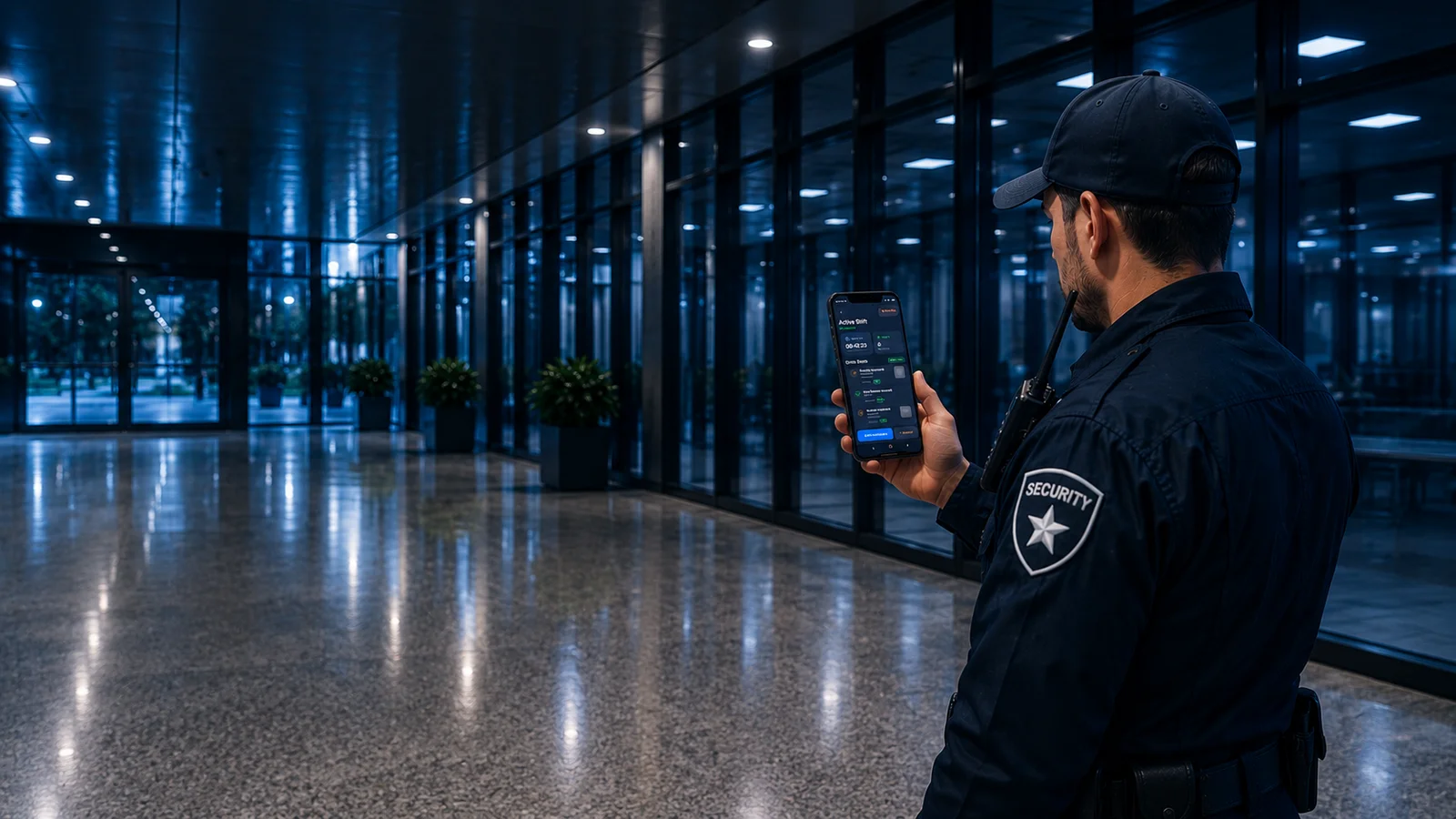
Most guard tour software is built for security companies — dashboards, multiple users, per-seat billing, a sales call before you can even try it. If you're one guard covering one site, that's a lot of machinery you'll never touch. This guide covers what a guard tour app actually needs to do, why solo guards don't need the full platform, and a free app that does the guard's job and nothing else.
What a guard tour app is (and isn't)
A guard tour app runs on the phone the guard already carries. It replaces the old RFID wand and the paper pad with three things: scan checkpoints on patrol, log incidents with photos, and export a report at the end of the shift.
What it isn't is a management platform. It doesn't need a live dashboard, real-time GPS tracking of every guard, scheduling, or a billing module. Those belong to a security company running a workforce — and if that's not you, they're just cost and friction. (We break down the full difference in what is a guard tour system.)
What to look for in a guard tour app
Ignore the feature lists and check for these five things:
- It works offline. Security happens in basements, stairwells and parking garages. If the app can't scan and log without signal, it's the wrong app. Offline-first isn't a nice-to-have — it's the whole job.
- Checkpoints are quick. Scanning a QR code or tapping an NFC tag should take a second, with the time and GPS recorded automatically. No fiddling, no manual entry.
- Incidents take a photo. The ability to log an incident with a photo on the spot is what separates a real record from a memory test. (See how to write a security incident report.)
- The report is clean. Ask to see the actual PDF. A clear, timestamped report is the thing you hand to a client or supervisor — it's what they judge you on.
- No account, no strings. For a solo guard, needing a login, a subscription, or a company account just to log a patrol is overkill. The best tools get out of your way.
Why solo guards don't need a full platform
The big platforms aren't bad — they're just built for a different buyer. A company with 40 guards across 15 sites genuinely needs a dashboard to see who's where. One guard on one site needs none of that, and paying a per-guard monthly fee for a control room you'll never open is money wasted.
The honest version: the enterprise features that make guard platforms expensive are the same ones that make them clunky on a phone. Strip them away and what's left — scan, log, report — is exactly what a single guard actually uses every shift.
Free vs paid guard tour apps
"Free" covers a lot of ground, so know what you're getting:
- Free with an account / trial — usually a company platform's entry tier, designed to upsell you. Fine, but you're in their funnel.
- Free, no account — a tool that just works, storing data on your device. Simpler, more private, nothing to cancel.
- One-time unlock — pay once for extras (more checkpoints, branding), no subscription. A fair model for a tool you own rather than rent.
For a solo guard, "free, no account, works offline" is almost always the right starting point — you can always add more later if you actually need it.
A free guard tour app that does exactly this
Guard Tour Log is built for the single guard, on purpose. It's free, works fully offline, and needs no account:
- Scan QR checkpoints — each one time- and GPS-stamped automatically.
- Log incidents with photos during the shift, not from memory afterward.
- Export a clean PDF report at the end — patrol log and incidents together, ready to hand over.
No dashboards, no per-guard billing, no sign-up wall. Just the guard's part of a guard tour system, done well. It's the fastest way to run a proper patrol log today with nothing but your phone.
If you want the paperwork side in detail, start with the security guard log book and the daily activity report (DAR).
Frequently asked questions
Is there a free guard tour app? Yes. Guard Tour Log is a free guard tour app for a single guard — scan QR checkpoints, log incidents with photos, and export a PDF report, with no account and no monthly fee.
Does a guard tour app work offline? The right one does. Guard Tour Log works fully offline — scanning, logging and PDF reports all work with no signal, and your data stays on your device. Offline support is essential for security work in basements and parking garages.
Do I need special hardware for a guard tour app? No. A modern guard tour app uses the phone you already carry — QR codes are scanned with the camera, NFC tags with a tap. Only older RFID "wand" systems need dedicated hardware.
What's the difference between a guard tour app and a guard tour platform? An app runs on the guard's phone to scan, log and export a report. A platform adds a live dashboard, real-time tracking, multiple users, scheduling and billing for a security company. A solo guard rarely needs the platform.
How do I choose a guard tour app? Check that it works offline, scans checkpoints quickly, lets you log incidents with photos, produces a clean PDF report, and doesn't force an account or subscription you don't need.
Run your patrol from your phone. Guard Tour Log is free on Google Play — scan checkpoints, log incidents with photos, and export a PDF report, fully offline, no account.